Printing, Computers, and Wifi
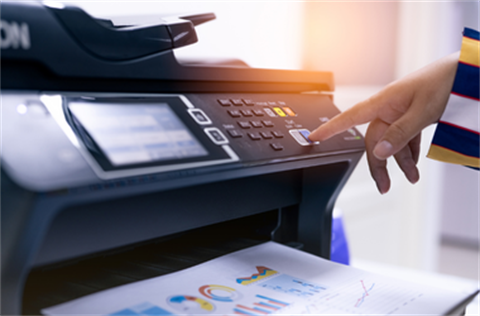
Connect to the free Library wi-fi, book a library PC, photocopy, scan and print your documents.
Printing Services
Print from home
Due to an issue with our remote printing system, print from home is currently unavailable. To complete your printing, please visit your local library and connect to our free Wi-Fi.
Microsoft Office, PDF or image files can be uploaded to the Library Web Print system.
Print Now
Follow these simple steps to upload a private print job to print at the Library you select:
- Click on Print Now button above
- Log in with your Mornington Peninsula Library card number and PIN
- Select Submit a Job
- Select a printer
- Copies – enter the number of copies (or leave as 1)
- Upload from the computer (select the file to upload)
- Upload and complete (IMPORTANT: stay on the page until status shows as ‘Hold in a queue’)
- To print, go to the library you choose to print to within 24 hours (Print jobs not printed within 24 hours will be deleted)
- Scan your library card at the photocopier
- Your document will be listed in your print jobs
Printing at the library
You may load credit onto a library card using either EFTPOS or coins
Scanning to email is FREE.
A4 black & white
|
$0.30
|
A4 colour
|
$1.10
|
A3 black & white
|
$0.40
|
A3 colour
|
$2.10
|
Book a Library Computer
Free Use of Computers and Internet Access
Mornington Peninsula Shire Library offers free use of computers and internet access to all members. There are dedicated adult and junior computers at each of our libraries. You must have a library card number or request a temporary access card to use these computers.
Book a PC
Library Wi-Fi
The Library wi-fi is free to connect to from you mobile device, laptops, tablet ot iPad.
- Head to the wi-fi setting on your device.
- Select the Library wi-fi.
- The terms and conditions will open on your device. Have a read through, and select the accept tick box at the bottom of the page.
- If the terms and conditions window does not automatically open, check your notifications and select the option to connect to the wi-fi/